
Create your client space
Set up your board in minutes with your branding, files, tasks and timeline.
For creative freelancers
A private client board for creatives.
One secure link. No chaos.
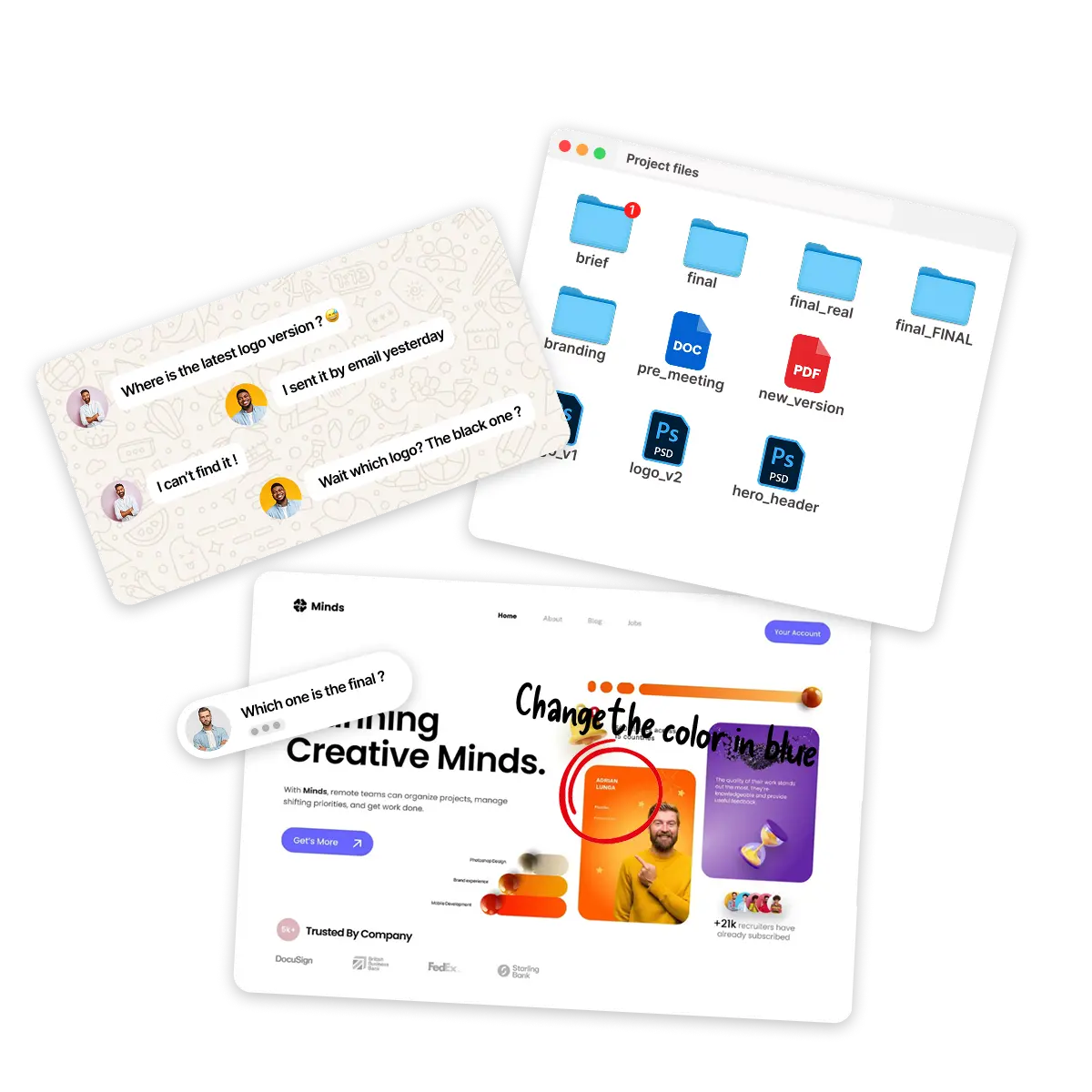
One private link. No friction. No chaos.
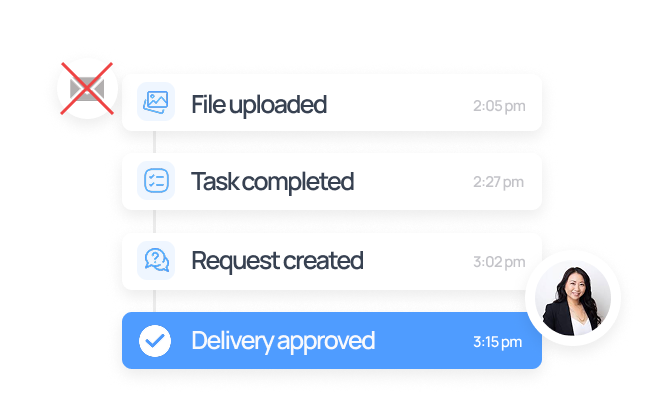
Your client sees every file, task and comment in one clear timeline.
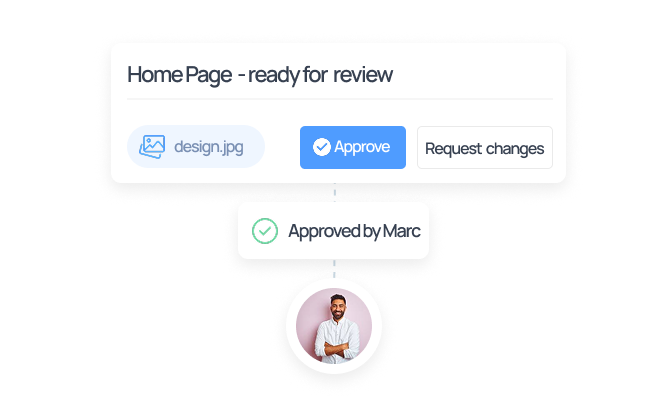
Tasks, validation requests and status updates — all tracked in one place.
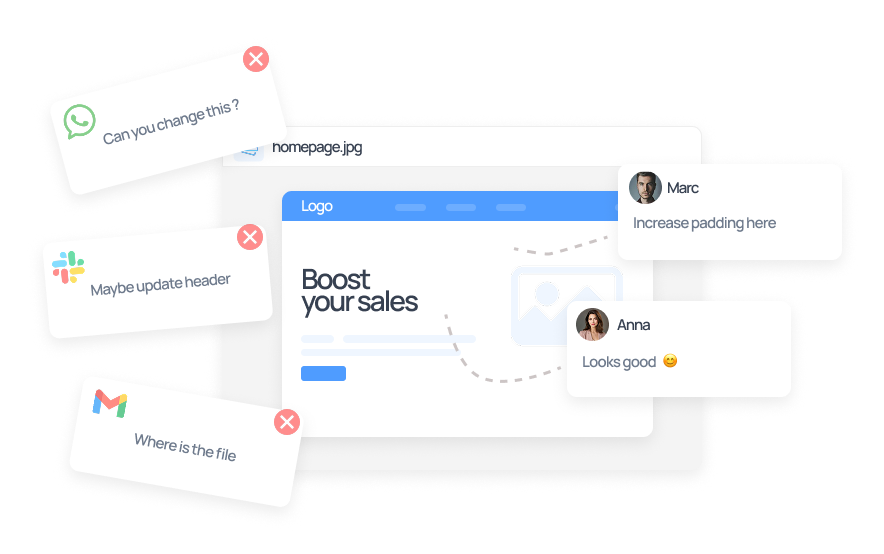
Comment directly on tasks and files. No WhatsApp threads.
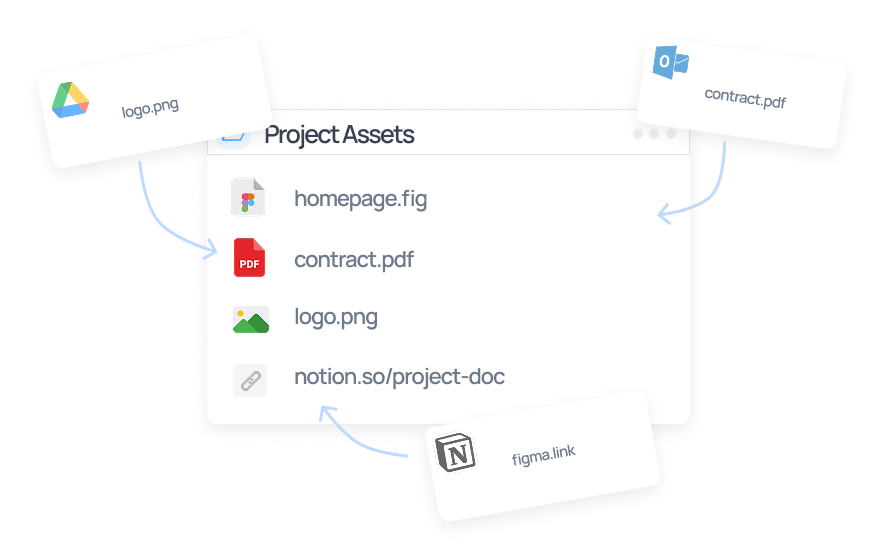
Upload files, share links and store key documents in one private space.
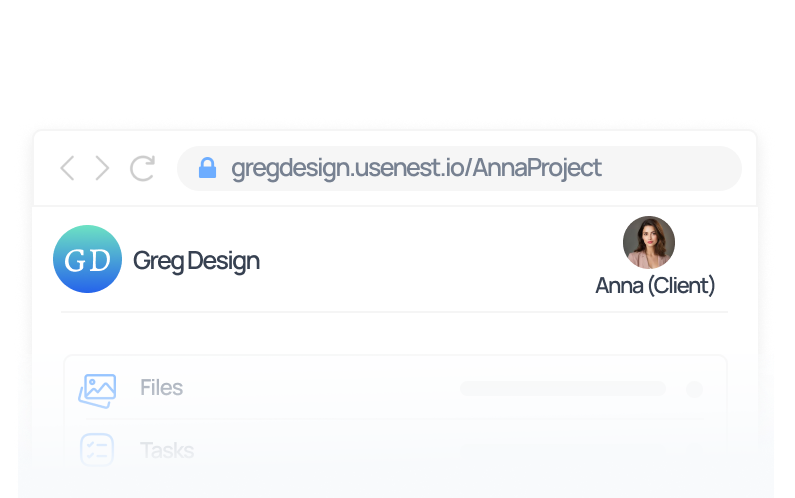
Your client board lives at yourname.Nest.app — with your logo on top.
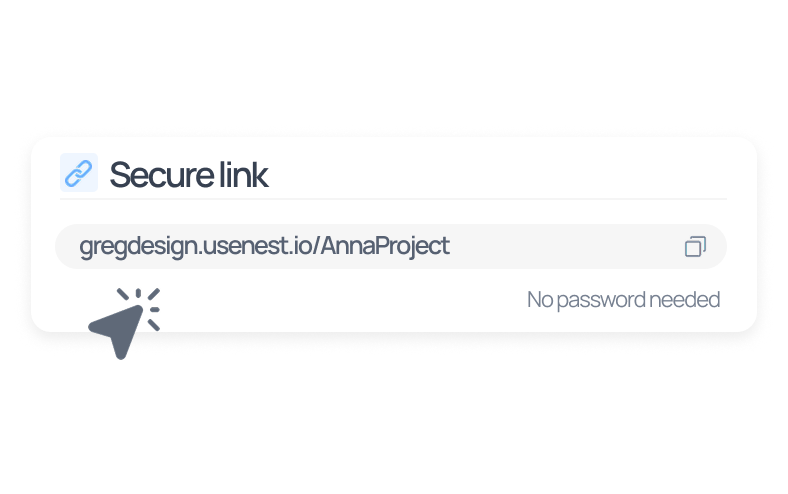
No account. No password. Just one secure link.
Creatives care about presentation. Your delivery should match the quality of your work.
From first setup to final delivery, everything stays simple and client-friendly.
Set up your board in minutes with your branding, files, tasks and timeline.
Send a secure link your client can open instantly. No account, no friction.
Keep feedback, deliverables and project progress together in a clean client view.
"My clients love it — they open the link and instantly see the project status. Pure simplicity."

Sarah
UX Designer
"No more passwords scattered across emails — everything is centralized and secure."

David
Brand Consultant
"I used to spend so much time re-sending files. Now clients find them on their own."

Clara
Freelance Brand Designer
More stories coming soon.
Pricing
One plan for serious freelancers. Upgrade when you grow.
Free
All core features for up to 3 projects.
19 €/ month
Everything you need to run your freelance business smoothly.
No. Clients access their board via a secure, private link — no signup or login required. You share one link, they see everything.
Files are stored with encryption at rest. Each client board is accessible only via its unique private link, which you control and can revoke at any time.
You will be notified before reaching your limit. Uploading new files will be paused until you free up space or upgrade your plan.
Yes. You can cancel your Pro subscription at any time from your account settings. Your access continues until the end of the current billing period.
Nest is designed primarily for solo creative freelancers and small studios. Team collaboration features are on the roadmap.
Ready to elevate your delivery?
Professionalism isn't just your work — it's how you deliver it.